The Gotek drive is, for retro computers lovers, one of the most useful product: you can replace a floppy drive with a device that can not only emulate it but gives the possibility to load, using an USB pen drive, every floppy image you want.
Using the Gotek you can save your aging floppy drive and disks, and make your experience better, bringing your retro computer to a futuristic level of use…
So you just need to buy a Gotek drive, change the firmware, modify it adding an oled screen and maybe a buzzer and a rotary encoder, print a support and replace the old unit (possibly without cutting the original case).
It’s not hard but requires some work.
For the Gotek hardware there are two firmwares:
The first is HxC, it supports hundreds of computers, costs around 10 Euro and is available at https://hxc2001.com/store/; the second is FlashFloppy, free and open source.
Flashfloppy is available on GitHub https://github.com/keirf/FlashFloppy, actively developed with a growing list of supported systems.
For each computer you need a custom mount, different for each hardware Gotek configuration: if you keep the original LCD screen you will use a mount, if you have an OLED screen another, and so on.
I’ve created this page to have a comprehensive guide for all the mounts I have found (but please write me if you find more!).
I’m selling many of this mounts on ebay, contact me if you need one that is not available.
| Computer | Screen | Rotary encoder | Cable/adapter needed | Download Link | Notes |
|---|---|---|---|---|---|
| Amstrad PCW 8256 / 8512 | OLED 0.91” | No | Yes | https://www.thingiverse.com/thing:2850367 | |
| Amstrad CPC 6128 / 664 | OLED 0.91” | Yes | Yes | https://www.thingiverse.com/thing:2874996 | http://tomdalby.com/other/gotek.html |
| Amstrad CPC 6128 / 664 | OLED 0.91” | Yes | Yes | https://www.thingiverse.com/thing:2874996 | |
| Amstrad CPC 6128 / 664 | OLED 0.91” ??? | No | Yes | https://www.thingiverse.com/thing:3525441 | |
| Amstrad CPC 6128 Plus | OLED 0.91” | Yes | No | https://www.thingiverse.com/thing:3044864 | |
| Atari ST | LED | No | No | https://www.thingiverse.com/thing:2664753 | |
| Atari ST | OLED 0.91” | No | No | https://www.thingiverse.com/thing:2664753 | |
| Amiga 500 | LED | No | No | https://www.thingiverse.com/thing:2098110 | |
| Amiga 500 | OLED 0.91” External | No | No | https://www.thingiverse.com/thing:2745049 | |
| Amiga 600 | LED | No | No | https://www.thingiverse.com/thing:2000074 | |
| Amiga 600 | OLED 0.91” External | No | No | https://www.thingiverse.com/thing:2745095 | |
| Amiga 1200 | LED | No | No | https://www.thingiverse.com/thing:2102839 | |
| Amiga 1200 | OLED 0.91” External | No | No | https://www.thingiverse.com/thing:2788991 | |
| Amiga 1200 | OLED 0.91” Internal | No | No | https://www.thingiverse.com/thing:2882331 | |
| Amiga 3000 | LED | No | No | https://www.thingiverse.com/thing:2514544 | |
| Amiga 3000 | OLED | No | No | https://www.thingiverse.com/thing:2514544 | |
| Amiga CDTV | LED | No | No | https://www.thingiverse.com/thing:2333370 | It’s necessary to desolder the USB port, buttons, leds and one capacitor before placement |
| Amiga CDTV | OLED 0.91” | No | No | https://www.thingiverse.com/thing:2333370 | It’s necessary to desolder the USB port, buttons, leds and one capacitor before placement |
| Philips NMS-8245 MSX2 | OLED 0.91” | Yes | Yes | https://www.thingiverse.com/thing:3567489 | |
| Sinclair Spectrum +3 | OLED 0.91” | Yes | Yes | https://www.thingiverse.com/thing:2874996 | http://tomdalby.com/other/gotek.html |
| Generic External Mount | OLED 0.91” | Yes | No | https://www.thingiverse.com/thing:2878265 |
Last update: 24/7/2019



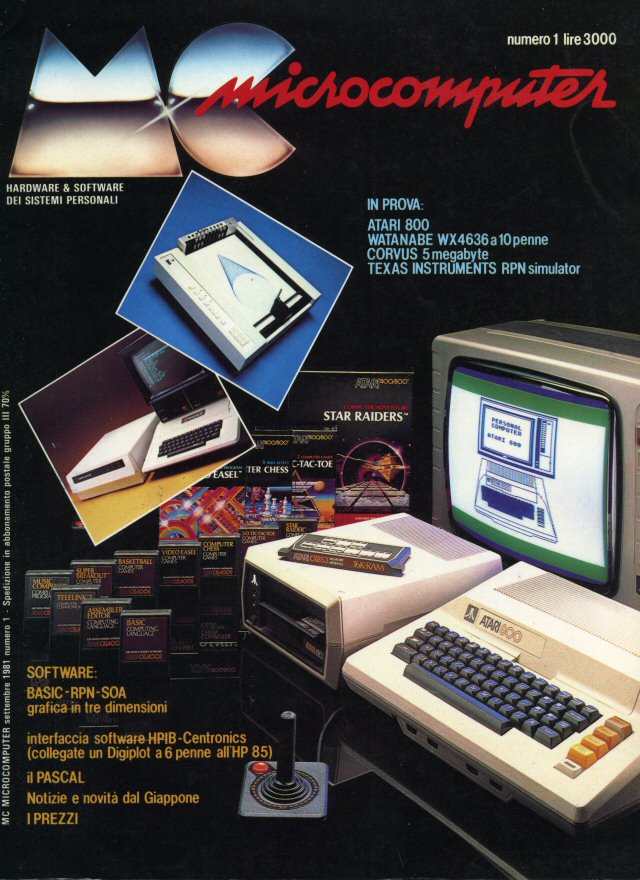
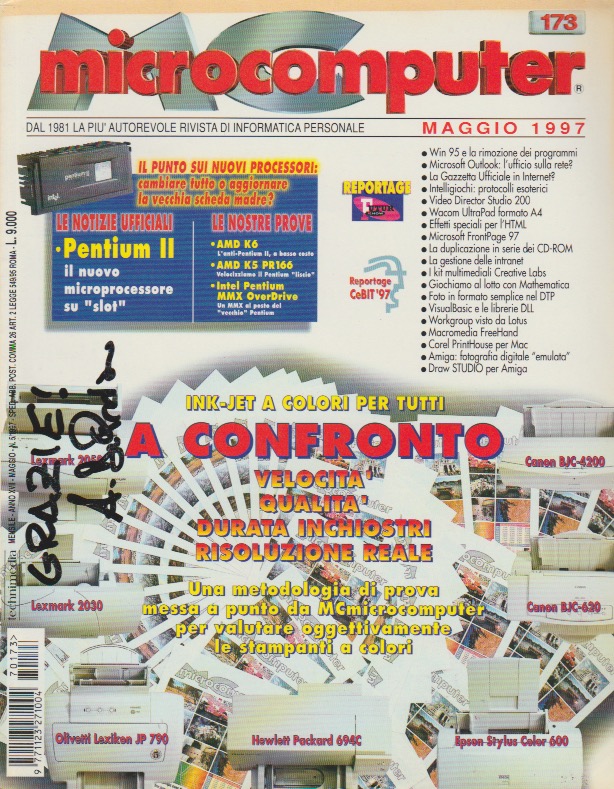


 Ci sono nomi che periodicamente vengono usati per battezzare prodotti differenti. Microdrive, ad esempio, e’ stato usato dalla Sinclair per il suo curiosissimo incrocio tra un registratore a cassette ed un floppy disk ed ora da IBM per il suo piccolissimo hard disk compatibile Compact Flash.
 Il Microdrive Sinclair, commercializzato a partire dal 1985, era la memoria di massa dello Spectrum, al quale lo si collegava tramite l'”Interfaccia 1″. Dal computer veniva visto come un dispositivo ad accesso sia sequenziale che random, rendendolo simile ad un floppy disk. A differenza di quest’ultimo il Microdrive non aveva capacita’, limitata a circa 100 Kbytes, velocita’ di accesso e naturalmente il supporto derivato dall’essere un vero e proprio standard.
 Il Microdrive di IBM e’ un vero e proprio gioiello della miniaturizzazione: un vero e proprio hard disk, quindi con piatto e testine, con dimensioni incredibili. Capacita’ di partenza 340 Mega, con tagli fino ad arrivare ad 1 Gb! Quando e’ in funzione, avvicinando l’orecchio si riesce a sentire il caratteristico rumore dato dallo spostamento delle testine…
 Entrambi i prodotti sono di grandissimo fascino, il primo per le idee realizzative il secondo per la tecnologia che racchiude. Sono due oggetti che si tengono in mano con disagio, tanto e’ la paura di poterli rompere o danneggiare. Incredibile quanto questi due oggetti che hanno anche dimensioni simili riescano ad esprimere l’evoluzione tecnologica di questi anni…